
The Deep Work Method: Building Your Focus Foundation
Learn how to structure your day around focused work blocks. We’re breaking down the fundamentals of deep work and showing you exactly how to create distraction-free time.
Notifications are productivity killers. This guide shows you which ones to silence, which to keep, and how to configure systems that work with your schedule instead of against it.


Your phone buzzes. Your email pings. A Slack message arrives. Each interruption seems small on its own, but they add up. Research shows that the average person gets interrupted every 3-5 minutes during focused work. That’s not just annoying—it fundamentally breaks your ability to concentrate.
The problem isn’t notifications themselves. You’ll need some. The problem is having too many, coming from too many places, at the wrong times. We’re going to fix that. Not by eliminating all notifications, but by being intentional about which ones actually deserve your attention right now.


Before you change anything, you need to see what’s actually happening. Spend one full day—just one—paying attention to every notification that comes in. Don’t silence anything yet. Just notice.
Write them down or screenshot them:
Most people are shocked. One tech worker we know had 47 notifications in a single 8-hour workday. Only 6 actually needed an immediate response. The rest were marketing emails, social updates, and app recommendations.
Not all notifications are equal. We’re building a simple system that lets you categorize them by importance and timing.
Always On
Direct messages from your boss. Calls from family. Alerts from your security system. These come through instantly, always.
Keep: 2-5 sources maximum
Set Times
Email, project management tools, Slack channels. These are important but don’t need instant responses. Check them 3-4 times per day at set times.
Keep: 5-10 sources
Weekly Review
Social media, news, marketing emails, app updates. You’ll check these once a week or monthly. Silence them completely during work hours.
Keep: Everything else
The theory is nice, but the real work is in configuration. Here’s what we recommend, step by step.
Go to your phone settings and disable notifications for every app. Yes, every single one. This takes 15 minutes but it’s the foundation of everything that follows.
Go back through and enable notifications ONLY for your 2-5 Tier 1 sources. Phone calls, direct messages from key contacts, security alerts. That’s it.
For Tier 2 apps, turn off notifications but set calendar reminders for specific times. 9am, 12pm, 3pm, 5pm—whatever works for your job. Check them at those times only.
Social media, news apps, marketing emails—turn off all notifications. Add them to your Friday afternoon review if you want, but otherwise they’re silent.
Run this system for a full week. You’ll probably feel anxious the first 2-3 days. That’s normal. By day 5, you’ll notice something: you’re actually getting things done.
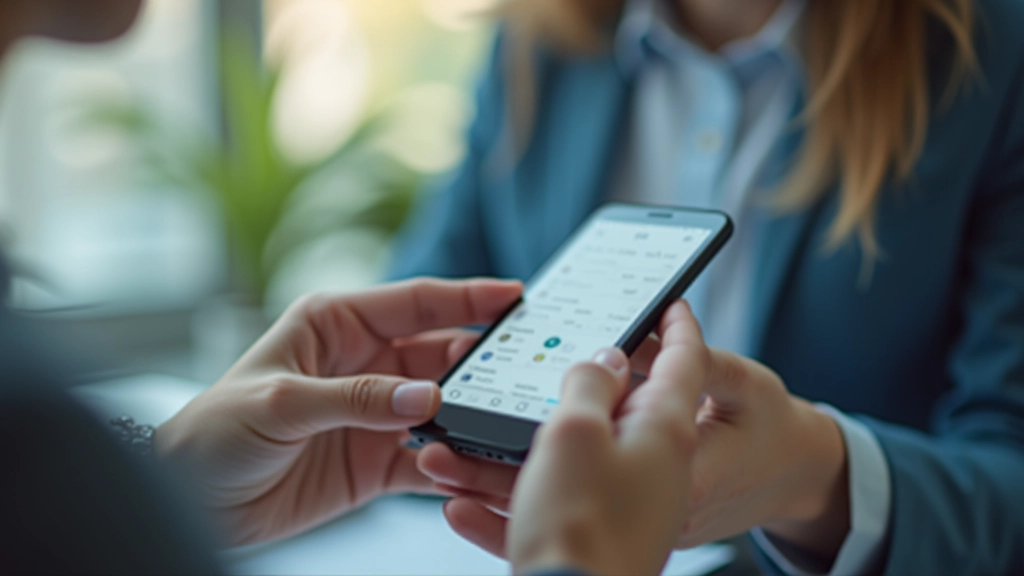
Most phones let you schedule Do Not Disturb hours. Set it for your deep work block—9am to 12pm, for example. Tier 1 contacts can still reach you if it’s truly urgent.
Email notifications are particularly dangerous because they’re designed to feel urgent. Disable all email notifications. Check it at scheduled times instead. Your stress will drop immediately.
If you use Slack, disable notifications for channels. Keep DMs from your manager on, but mute the rest. You’re checking it regularly anyway—you don’t need the buzz.
Every time you install a new app, it asks for notification permission. Say no. You can always enable it later if you realize you need it. Default to off.
Those little red circles showing you have unread messages? Turn them off. They’re visual nags. Without them, you’ll check apps deliberately instead of reactively.
If you keep Tier 1 notifications on, use a distinctive sound that actually matters. Silence everything else. Your brain will learn what that sound means.
Educational Note: This article provides information about notification management techniques and strategies. The specific notification settings and scheduling approaches described are informational and may vary based on your individual work environment, job requirements, and device capabilities. Everyone’s situation is different—adjust these principles to fit your actual needs. If you work in emergency services, customer support, or roles requiring rapid response, your Tier 1 notification list may be longer than suggested here.
Here’s what happens when you actually implement this system: You stop feeling reactive. You start being strategic about when you check messages instead of just responding to whatever buzzed at you. You’ll get 2-3 hours of real, uninterrupted focus work in a single day—something that might’ve felt impossible before.
And yeah, you’ll probably miss something. A message will come through and you won’t see it for an hour. You know what? It’ll be fine. Most things are. The things that actually matter have ways of reaching you through Tier 1.
Notification management isn’t about being rude or unavailable. It’s about reclaiming your attention as a valuable resource. You can’t focus on important work if you’re constantly interrupted. Once you set this up, you’ll wonder why you didn’t do it sooner.